A good clinic website does three jobs: it shows patients who you are and what you treat, answers timings and fees before anyone picks up the phone, and lets a patient book an appointment in under a minute. That means a real doctor profile with qualifications, a page for every treatment, an appointment form, your timings, fees, location and reviews, all opening fast on a phone.
This is a complete clinic website checklist for 2026, written for single doctors, family clinics, dental practices, specialist consultants and medical centres with many doctors. Use it to plan a new website, or to go through the one you already have and find what is missing.
It is long on purpose. A clinic website is not a brochure, it is the front desk of your practice at eleven at night, and every section below is a question a real patient asks before they decide to call you.
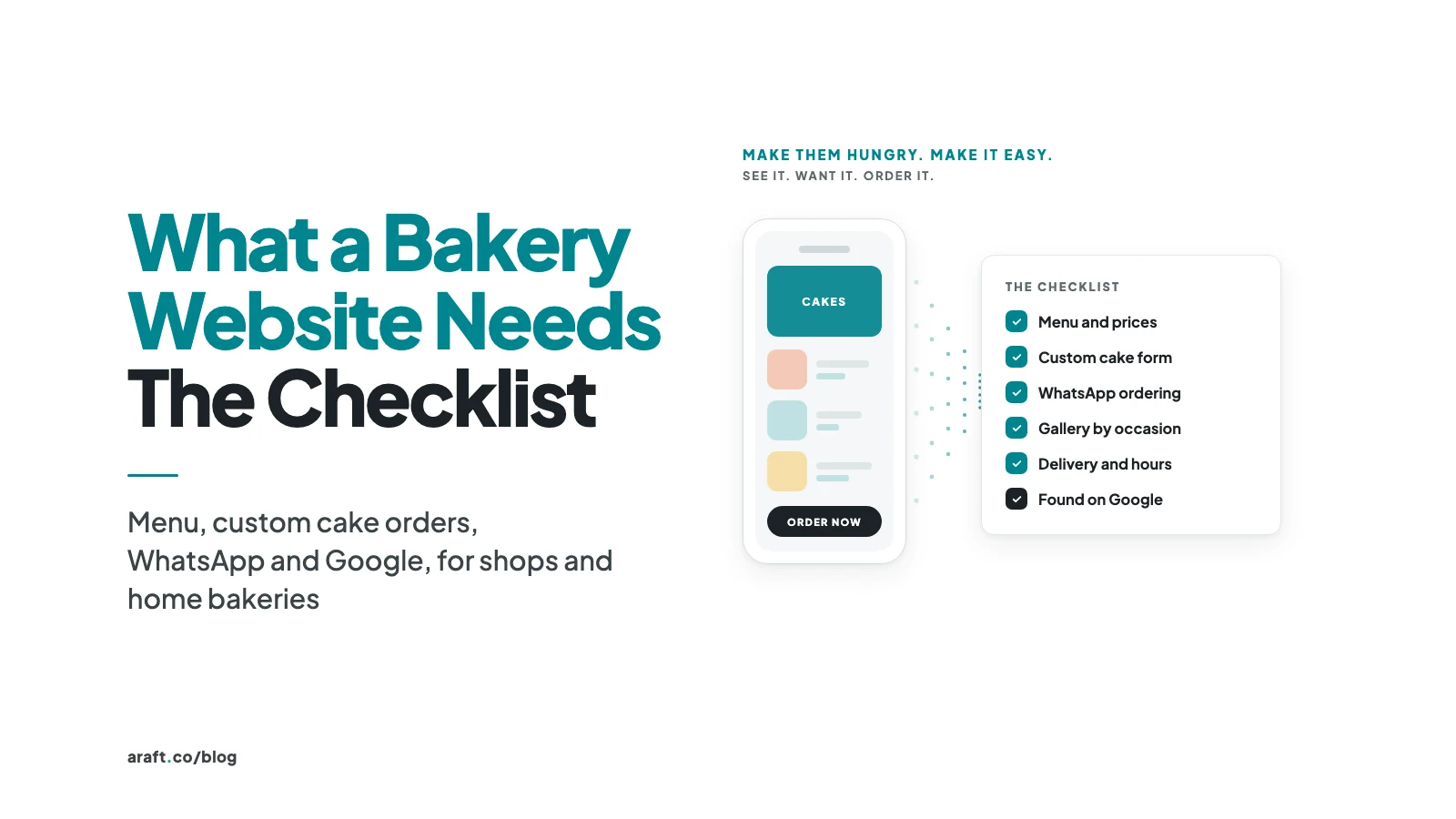
The clinic website checklist in short
- Doctor profiles with real photos, qualifications and years of experience.
- An appointment booking form that collects name, phone, date and reason for the visit.
- A page for each treatment or service, written in plain language.
- Timings, fees and what to bring, stated clearly.
- Location, directions and parking, with Google Maps.
- Patient reviews from real people.
- Privacy: patient details go to you, never onto a public page.
- Fast on phones, because that is where patients search.
- Set up for Google, so people searching for your speciality in your city find you.
- One tappable phone number and a WhatsApp button on every page.
Everything below explains each of these, and what to actually write.
How a patient really chooses a clinic
Before the checklist makes sense, it helps to picture what happens before a patient calls you. It almost always follows the same path.
- Something hurts, or a test result worries them, usually in the evening.
- They search on a phone for the speciality and the city, or simply "near me".
- They look at the map results first, and read the star ratings.
- They open two or three clinics in separate tabs and compare.
- They look for the doctor's face, qualifications, timings and fee.
- They pick the one that answered the most questions without making them call.
- They call, or they book on the website if booking is easy.
Every single step of that happens before you know the patient exists. Your website is not competing with the clinic across the road on medical skill, because the patient cannot judge that yet. It is competing on how clearly you answered six questions: who are you, what do you treat, when are you open, where are you, how much, and can I book now.
That is the whole job. The rest of this guide is how to do it properly.
Who this checklist is for
The same checklist works for almost every kind of practice, because patients want the same answers from all of them:
- Single doctors and consultants with a private practice.
- Family clinics and general practice.
- Dental clinics and orthodontists.
- Skin and hair clinics, including cosmetic and laser treatments.
- Eye clinics and opticians.
- Physiotherapy, rehabilitation and chiropractic clinics.
- Gynaecology, fertility and maternity practices.
- Paediatric and child specialist clinics.
- ENT, orthopaedic, cardiology, gastroenterology and other specialist consultants.
- Psychiatry, psychology and counselling practices.
- Diagnostic labs, imaging centres and polyclinics.
- Homeopathic, Unani and other traditional practices.
- Veterinary clinics, where the owner reads the website exactly like a patient would.
What changes between them is the wording, the treatments and how sensitive the subject is. What does not change is the structure.
1. Doctor profiles that earn trust
Patients are not buying a product. They are choosing someone to trust with their body, or their child's. Before anything else they want to know who will actually see them.
What every doctor profile should have
- A real photo. Not a stock photo, not a logo, not a group picture where nobody is recognisable. A clear, friendly, well lit photo of the doctor.
- Full name and qualifications, written the way patients expect to see them, with the registration or council number if that is normal in your country.
- Speciality, and the conditions this doctor treats most often.
- Years of experience, and where they studied or trained.
- Languages spoken. In most cities this matters far more than clinics think.
- The days and times this doctor sits, especially when different doctors sit on different days.
- Hospital attachments or visiting days, if the doctor also consults elsewhere.
- A short paragraph in the doctor's own voice, about how they treat people. Three or four honest sentences do more than a page of formal biography.
Write the qualifications so patients understand them
Most patients cannot decode a string of medical short forms. Write the letters, then explain them in ordinary words underneath. "Specialist in children's health, with eleven years in paediatrics" tells a worried parent far more than the abbreviations alone, and it also matches the words people type into Google.
Single doctor or many
If you are a single doctor, your profile belongs on the home page, high up. If you have several doctors, give each one their own page and link to it from the booking form and the treatment pages, so a patient can ask for a particular doctor by name. Those individual pages also rank on their own when someone searches the doctor's name, which happens constantly after a friend recommends them.
2. An appointment booking form that works
Every call your front desk takes is time they are not giving to the patient standing in front of them. A booking form collects the same information without anyone picking up the phone, and it works at midnight and on your closed days.
What to ask
- Name and phone number.
- The doctor or department they want, if you have more than one.
- Preferred date and time, with a second choice.
- The reason for the visit, in their own words.
- Whether this is a first visit or a follow up.
- Which branch, if you have several.
What not to ask
Keep it short. Every extra field loses people, and a long form on a phone feels like paperwork. Do not ask for medical history, test results, identity documents, insurance numbers or an address in a public form. Collect those at the clinic, where they belong.
Form, calendar or WhatsApp
There are three normal ways for a clinic to take bookings, and the right one depends on how your front desk works:
- A request form. The patient asks for a time, you confirm. This suits most clinics, because doctors run late, emergencies happen and slots are rarely fixed.
- A live calendar with real slots the patient books directly. This suits clinics with strict slots, like dentists, physiotherapists and diagnostic labs, and it needs someone to keep the calendar accurate every single day.
- WhatsApp. In many countries this is simply how people prefer to talk. A WhatsApp button with a ready first message is often the single most used button on a clinic website.
Most clinics do best with a request form plus a WhatsApp button, and add a live calendar later if the volume justifies it.
The part most clinics get wrong
The request must reach a human immediately, on WhatsApp or email, and somebody must answer the same day. A booking form nobody checks is worse than no form at all, because the patient believes they have an appointment and you never knew. Decide who owns that inbox before the website goes live, and send yourself a test booking every month to be sure it still arrives.
3. A page for every treatment you offer
One page listing twenty treatments helps nobody. A patient searching for one specific problem wants a page about that problem, and so does Google. Treatment pages are the single biggest source of new patients from search, because they match the exact words people type.
What goes on a treatment page
- What the condition or treatment is, in plain language, not medical shorthand.
- Who it is for, and the signs that usually bring people in.
- What happens during the visit, step by step, so nobody arrives nervous about the unknown.
- How long it takes, and how many visits are usually needed.
- What recovery or aftercare looks like, if there is any.
- What it costs, or a starting price, if you are comfortable publishing it.
- Which doctor at your clinic handles it, linked to their profile.
- Three or four questions patients ask about that treatment, answered.
- A button to book an appointment for that treatment.
How many treatment pages to write
Start with your five or six most common reasons for a visit, the ones that actually fill your appointment book. Write those properly. Then add one more every month or two. Ten strong treatment pages beat forty thin ones, and a website that grows steadily does better in search than one that is published once and never touched again.
Write honestly
Do not promise results, do not guarantee cures, and keep every claim inside what you can stand behind professionally. Besides being the right thing to do, careful language is what patients trust. Confident, modest writing reads as competence. Overclaiming reads as a sales pitch, and patients have learned to leave those pages.
4. Timings, fees and what to bring
These are the three most asked questions at every clinic reception in the world, and the three easiest to answer on a website.
- Timings for each day of the week, including the days you are closed, plus separate timings for each doctor when they differ.
- Consultation fee, or a starting fee. Many clinics hide this and then answer the same question on the phone fifty times a week.
- Follow up fee and how long a follow up stays valid, which is a question almost nobody answers online.
- What to bring: previous reports, a referral letter, identification, insurance details, a list of current medicines.
- Which insurance, panels or corporate schemes you accept, written out as a list, not as "most major insurers".
- Payment methods you accept, including cards and online transfer.
- Emergency instructions: what a patient should do when the clinic is closed, and where to go instead.
Should you publish the fee
Publishing the consultation fee, or a "from" fee, usually saves a clinic many phone calls and brings more serious patients, because people can decide before they call. If your treatment prices genuinely depend on the case, say that plainly: publish the consultation fee, explain that treatment cost is quoted after the examination, and the patient will respect it.
Keep them updated
Old timings on a website send patients to a closed door, and that is the kind of mistake that earns a one star review. Whoever changes your timings in real life should change them on the website and on your Google Business Profile the same day.
5. Location, directions and parking
A clinic is a place people have to physically reach, often while unwell, in pain, late, or carrying a child. Make it easy.
- Full address with a Google Maps embed and a "get directions" link that opens the patient's maps app.
- A landmark, because in many cities that is genuinely how people navigate.
- Which floor you are on, and whether there is a lift.
- Parking: where, how much, and whether it fills up at certain hours.
- Public transport: the nearest stop or station.
- Access for wheelchairs, elderly patients and prams.
- A photo of the building entrance. It sounds small, and it is the thing that stops people driving past.
- If you have more than one branch, a separate page per branch with its own address, timings, doctors and map.
6. Patient reviews and proof
Reviews do more for a clinic than any sentence you write about yourself. Patients trust other patients, and they read the reviews before they read your home page.
- Show real reviews on the website, with the patient's first name only.
- Link to your Google reviews so people can see the whole list, not only the ones you chose.
- Ask happy patients for a Google review as they leave. It costs nothing and it is the strongest single thing you can do for how your clinic looks online.
- Reply to reviews, including the unhappy ones, calmly and without discussing any medical detail.
- Other proof helps too: years in practice, number of branches, affiliations, teaching positions, recognised memberships.
Never write reviews yourself, and never publish a patient's name, photo, case or medical detail without their clear written permission. Before and after photos need permission in writing, every time, and in some places they are regulated. If you are unsure, leave them out.
7. Keep patient details private
A clinic website handles information people expect to stay private, so treat it with care from the first day.
- Appointment requests go straight to the clinic by email or WhatsApp, and never appear on any public page.
- Do not collect medical history, reports or documents through a public form.
- Use HTTPS, which every modern website should have anyway, so what a patient types is encrypted on the way to you.
- Only the people who need to see appointment requests should have access to that inbox.
- Write a short privacy page saying what you collect, why, and who sees it. Patients do read it, and search engines expect it.
- If your country or state has rules about health data, tell whoever builds your website before the form is built, not after it is live.
This is one of the few places where a clinic website differs from an ordinary business website, and it is worth getting right the first time.
8. Fast, and built for phones
Most patients search for a doctor on a phone, often at night, in a waiting room, or in a car. If your website takes several seconds to open, many of them leave before your name appears.
- The phone number must be tappable, so one tap starts the call.
- A WhatsApp button on every page, with a ready first message such as "Hello, I would like an appointment".
- Photos sized properly for the web, not uploaded straight from a camera.
- Text large enough to read without pinching, with good contrast.
- Book and call buttons that stay within reach as people scroll.
- No pop up covering the screen the moment someone arrives.
- Forms that are comfortable to fill with a thumb.
Speed is also a ranking factor, so a fast website helps you twice: patients stay, and Google is happier to show you.
9. The home page, section by section
If you only fix one page, fix this one. A clinic home page that works usually runs in this order:
- Top bar: clinic name, phone number, and a "Book appointment" button.
- Hero: who you are, your speciality and your city in one line, with a booking button. "Skin and hair clinic in" your city beats "Welcome to our website" every time.
- Trust line: years in practice, number of doctors, star rating.
- Treatments: six to eight cards linking to the full treatment pages.
- Doctors: photo, name, qualification and a link to each profile.
- Why patients choose you: three or four honest, specific reasons.
- Timings and fee, visible without a click.
- Reviews, three or four, with a link to Google.
- Booking form, right there on the home page.
- Location with the map, landmark and parking.
- Questions people ask, five or six of them.
- Footer: address, phone, WhatsApp, timings, branches, privacy page.
Notice how early the booking button appears, and how often it repeats. A patient should never have to hunt for the way to reach you.
10. How many pages does a clinic website need
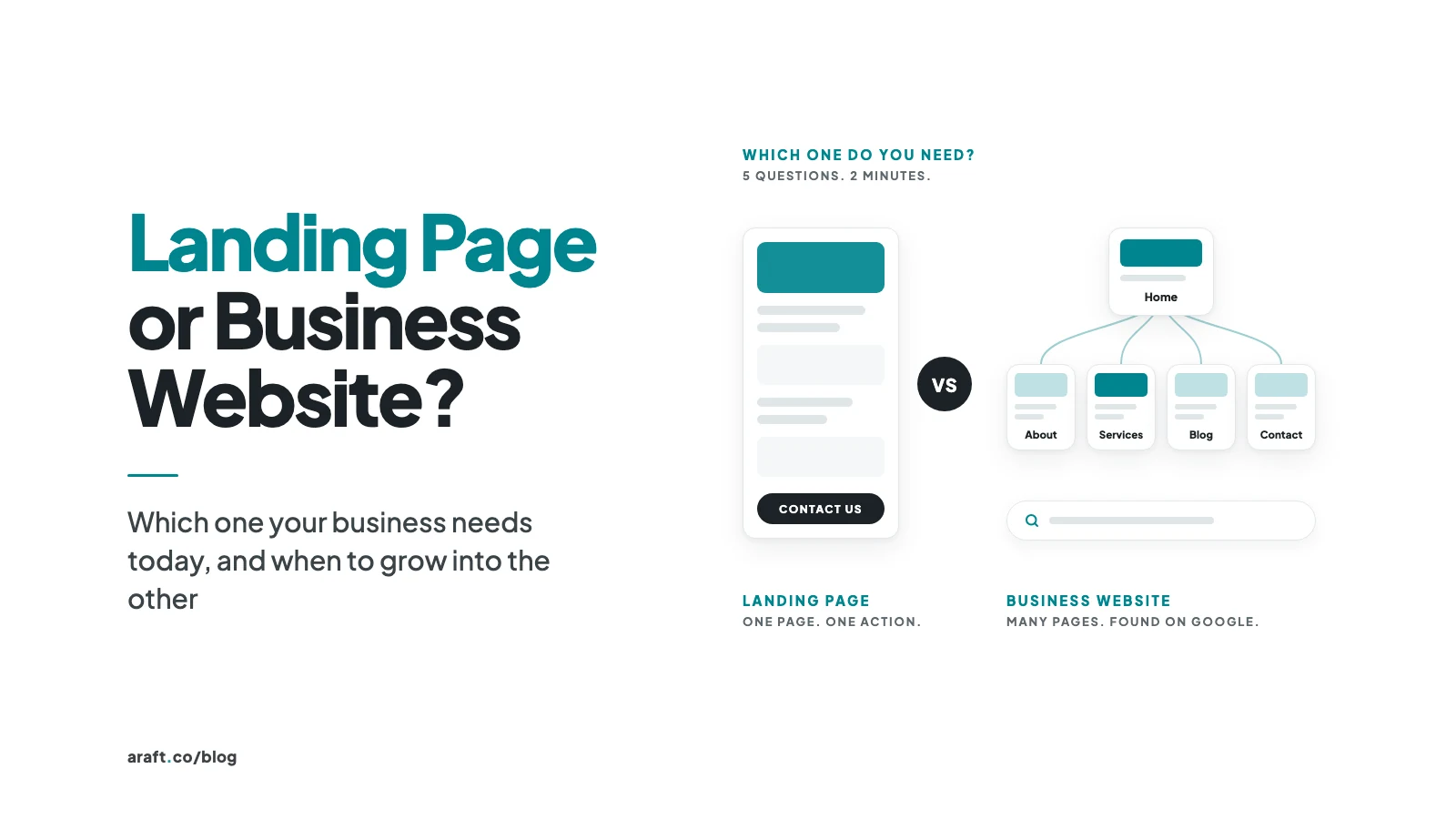
A single doctor starting out can do very well with one strong page: who you are, what you treat, timings, fee, location, reviews and a booking form. That is a landing page, and it is enough to be found and to take appointments.
A clinic that wants to be found for many treatments needs a page for each of them, which means a multi page website. More pages means more chances to match what someone typed into Google. If you are deciding between the two, read landing page or business website, which walks through the choice in five questions.
A practical path many clinics take: start with a landing page, launch it quickly, then grow into a full website with treatment pages once the first patients start arriving from it.
11. Found on Google: the local SEO part
Most new patients arrive from a search like "dentist near me", "child specialist in" your city, or the name of a condition plus your area. Being findable is part of building the website, not something you bolt on later.
Google Business Profile comes first
For clinics, the free Google Business Profile often brings more patients than the website itself, because it is what shows on the map. Complete every field:
- Exact clinic name, address and phone number.
- The right primary category, for example "Dental clinic" or "Physiotherapist", plus secondary categories.
- Opening hours, including special hours for holidays.
- Real photos of the building, reception and treatment rooms.
- A link to your website, and to your booking page.
- Services listed out, matching your treatment pages.
- Questions and answers, which you can seed with the questions patients actually ask.
The words to use on the website
- Put your speciality and city in page titles, headings and the first lines, written naturally. Never stuff the same phrase over and over.
- Use the words patients use. People search for "braces", not "orthodontic appliance"; "back pain", not "lumbar pathology". Use the plain word first and the medical term beside it.
- Answer "near me" searches by naming your area, landmark, neighbourhood and city in your text and address.
- Give every page its own title and description, never the same one repeated.
- Use one clear main heading per page.
The technical basics
- The same clinic name, address and phone number everywhere online, written exactly the same way, including on directories and social profiles.
- A sitemap submitted to Google Search Console, so new pages get found.
- Clean, readable web addresses for each page.
- Structured data for a medical business, the address, the opening hours and the questions, so search engines understand your pages properly.
- HTTPS, fast loading and a design that works on phones, all of which affect ranking.
- Descriptive text on every image, which also helps people using screen readers.
Give it time
Search results do not change the day you launch. A new clinic website usually takes a few months to settle, and the clinics that win are the ones that keep adding treatment pages and collecting reviews month after month. Pair the website with a complete Google Business Profile and steady reviews, and that combination is what most patients see before they ever choose a clinic.
12. After launch: the first thirty days
A website is not finished when it goes live. The first month is when it earns its place.
- Send a test booking from your own phone and confirm it arrives.
- Open every page on a phone, a tablet and a computer.
- Check every phone number and WhatsApp button opens the right app.
- Submit the sitemap in Google Search Console.
- Complete and verify the Google Business Profile.
- Add the website link to your Instagram, Facebook, LinkedIn and WhatsApp business profile.
- Print the website address on your cards, prescription pads, receipts and clinic board.
- Ask ten happy patients for a Google review.
- Ask your front desk what patients are asking on the phone, and add those answers to the website.
- After a month, look at what people searched to find you, and write the next treatment page about it.
13. What to measure
You do not need complicated analytics. For a clinic, four numbers tell you almost everything:
- Booking requests that arrive through the website each month.
- Taps on the phone and WhatsApp buttons.
- Visits from search, and which pages they land on.
- Google Business Profile actions: calls, direction requests and website clicks.
Then ask one question at the front desk: "how did you hear about us?" Written down for a month, that single question tells you more than any dashboard.
Mistakes that cost clinics patients
- No photo of the doctor, so there is nothing for a patient to trust.
- Qualifications written only in short forms nobody outside medicine understands.
- No fee anywhere, so people call just to ask, or call someone else.
- A booking form that nobody checks.
- Old timings left on the website after they changed.
- One page listing every treatment in a single long paragraph.
- A website that only works properly on a computer.
- No address or landmark on the home page.
- Stock photos of foreign doctors and foreign clinics instead of your own rooms and your own team.
- A phone number written as plain text that cannot be tapped.
- Before and after photos published without written permission.
- Promises of guaranteed results.
- A website built once and never touched again.
Your clinic website checklist
Go through this list for your own website, and mark what is missing:
- A profile for every doctor: photo, qualifications in plain words, speciality, experience, languages, availability.
- An appointment form: name, phone, doctor, date, reason, first visit or follow up, branch.
- One named person responsible for answering every booking request the same day.
- A page for each of your main treatments, in plain language, with its own questions answered.
- Timings for each day, consultation fee, follow up fee and what to bring.
- Insurance, panels and payment methods you accept, written out.
- Address, Google Maps, landmark, floor, lift, parking, transport and access.
- A photo of the entrance.
- Real patient reviews, with a link to your Google reviews.
- Appointment details that reach only the clinic, on a secure website, with a privacy page.
- A tappable phone number and a WhatsApp button on every page.
- Pages that open fast on a phone.
- Your speciality and city in titles and text, written naturally.
- A complete, verified Google Business Profile with photos and services.
- A plan to add one new treatment page and collect reviews every month.
If you can tick all fifteen, your website is doing more work than most clinics in your city.
What a clinic website from Araft includes
We make clinic and doctor websites for single doctors, family clinics, dental practices, specialist consultants and medical centres all over the world, fully online. Every clinic website is a custom design for your practice, not a template, and includes:
- Doctor profiles with qualifications and experience.
- An appointment booking form that reaches you straight away.
- Pages for your services and treatments.
- Timings, fees and location with Google Maps.
- A patient reviews section.
- A design that works on every phone, and is set up for Google from day one.
A landing page is usually ready in 5 to 7 working days, and a business website with up to 5 pages in 10 to 14 working days, after you send your details. You see the design first and ask for changes before we build it, and the website launches on your own domain, in your name. After launch we can look after it every month, including timing changes, new doctors and new treatment pages.
See everything on our clinic website page, or the dental and pharmacy pages if those fit you better. You can also see how we build websites and the work we have done.
Questions people ask
Does a single doctor need a website?
Yes. A single doctor with a website shows up on Google when people search for that speciality in the city, shows qualifications and timings without a phone call, and takes appointment requests at night and on closed days. For a solo practice it is usually the cheapest staff member you will ever have.
Can patients book appointments on the website?
Yes. The appointment form asks for the patient's name, phone, preferred date and reason for the visit, and the request reaches you on WhatsApp or email so your front desk can confirm it.
Should a clinic website show the consultation fee?
Showing the fee, or a starting fee, usually saves the clinic many phone calls and brings more serious patients, because people can decide before they call. Many clinics publish the consultation fee and explain that treatment costs are quoted after the examination, which is honest and works well.
Is a Facebook or Instagram page enough for a clinic?
No. Social pages help people see you, but a website is what appears on Google when somebody searches for a doctor in your city, keeps your timings, fees and booking form in one place, and belongs to you instead of depending on a platform that can change its rules or close your page.
How long does it take to make a clinic website?
At Araft, a landing page is usually ready in 5 to 7 working days and a business website with up to 5 pages in 10 to 14 working days, after you send your details and photos.
How much does a clinic website cost?
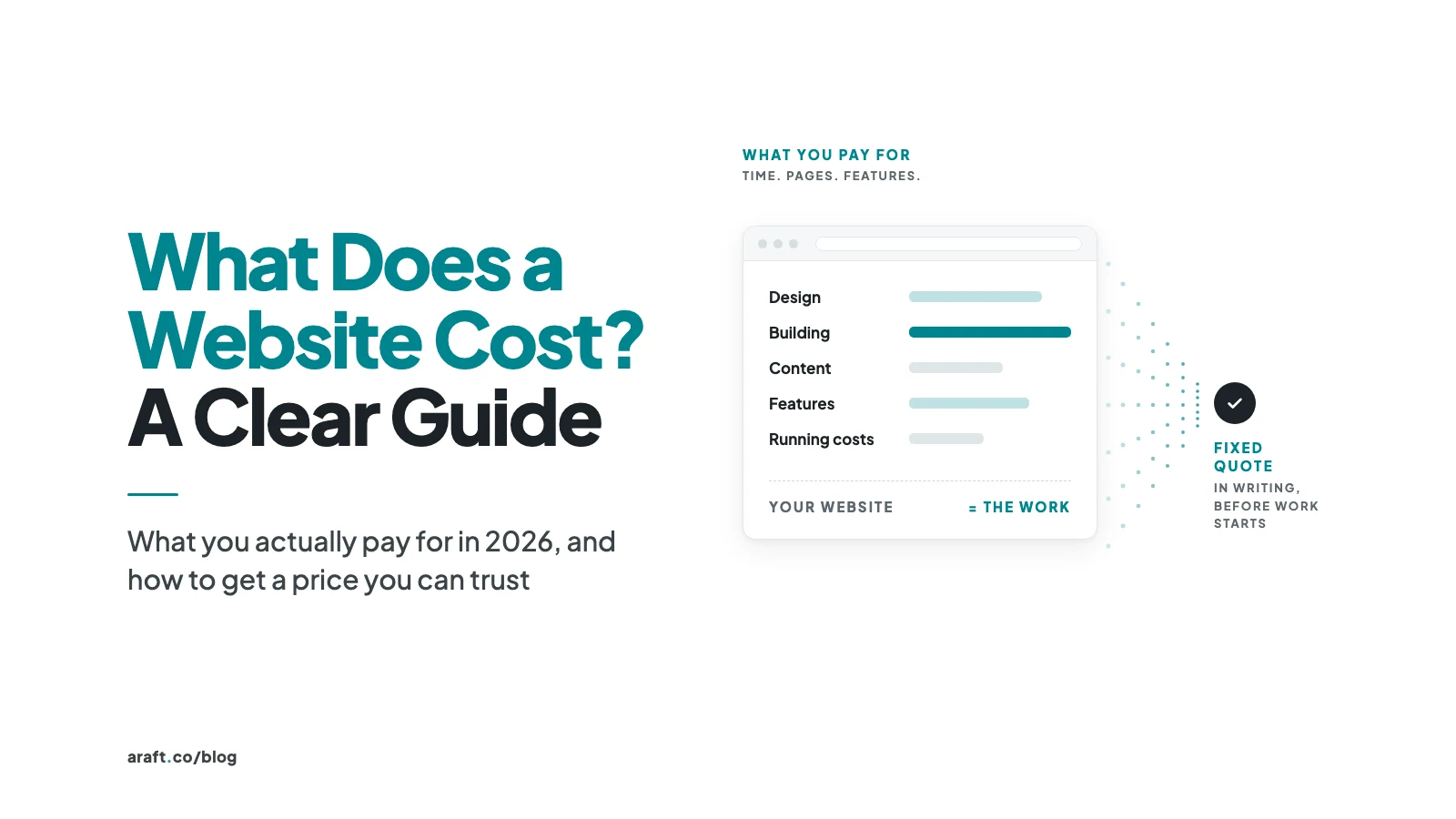
It depends on how many pages, doctors and features you need. Read how much a website costs in 2026 for what decides the price, or tell us about your clinic and we send a fixed quote within one business day.
What do I need to give you before you start?
Your clinic name and logo if you have one, doctor photos and qualifications, the list of treatments, your timings and fee, your address and phone number, and anything you want patients to know. If you do not have photos yet, we can start with the rest and add them later.
Can you update the website when timings or doctors change?
Yes. We can look after your website every month, including timing changes, new doctors and new treatment pages. You can also ask for changes whenever you need them.
How do I get my clinic to show up on Google Maps?
Create and verify a Google Business Profile with your exact clinic name, address, phone, category, timings and photos, link it to your website, and collect genuine patient reviews. That profile is what the map results are built from, and for most clinics it works alongside the website rather than instead of it.
Do I need a website for each branch?
No, one website is enough. Give each branch its own page with its own address, map, timings and doctors, and create a separate Google Business Profile for each location.
Is it safe to collect patient information on a website?
It is safe for appointment requests, which are only a name, a phone number and a reason for the visit, sent over a secure connection to the clinic. Medical history, reports and documents should be collected at the clinic, not through a public form. If your country has specific health data rules, say so before the form is built.
Can I publish before and after photos?
Only with the patient's clear written permission, and only where your local rules allow it. If you are not certain, leave them out and use reviews instead.
How many pages should a clinic website have?
A single doctor can start with one strong page. A clinic that wants to be found for many treatments needs a page for each of them, which usually means five or more pages, growing over time as you add treatments.
Will the website belong to me?
Yes. We register or connect the domain in your own name and launch the website on it, so the clinic owns its address and its website.
Ready for a clinic website that fills your appointment book?
Go through the checklist above with your current website open. If more than three or four items are missing, those gaps are costing you patients every week, quietly, to the clinic that answered the questions you did not.